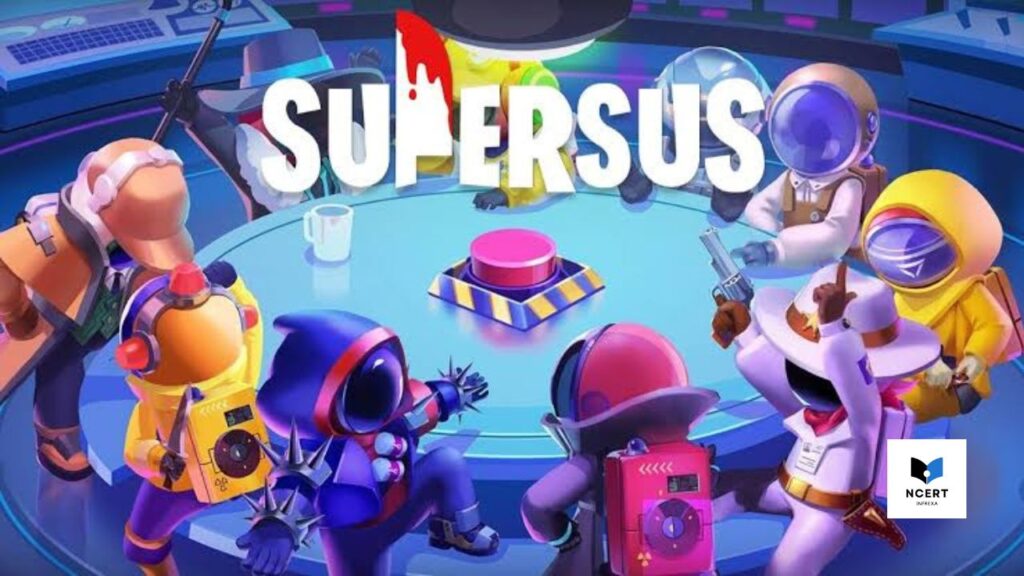
Super Sus can be played directly in a web browser without downloading the mobile application. This is made possible through cloud gaming services, which stream the game from a remote server to your browser.
What is Super Sus?
Super Sus is an online social deduction game where players, called Spacefarers, complete tasks on a spaceship while identifying hidden Impostors who attempt to sabotage the mission. Unlike other social deduction games, Super Sus includes an Identity Card system, which assigns specific abilities and limitations to each player. The game is developed by PIProductions and is primarily designed for competitive multiplayer modes
Game Details:
| Information | Details |
|---|---|
| Name | Super Sus – Who is the Impostor |
| Developer | PIProductions |
| Genre | Strategy, Social Deduction |
| Modes | Multi-Player (Asymmetrical Competitive) |
| Platforms | Android, iOS, Web Browser |
Gameplay
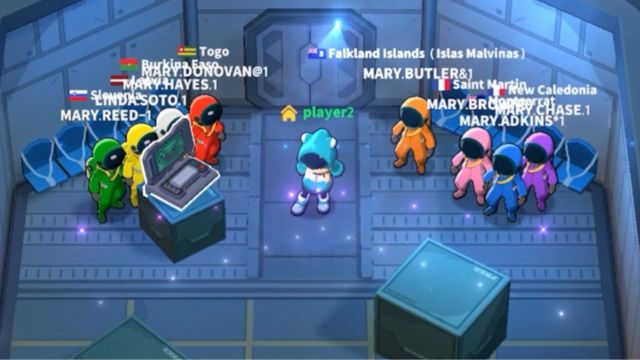
In Super Sus, the gameplay involves moving around the spaceship, performing tasks, and interacting with other players to identify Impostors. Each player is assigned a role through the Identity Card system.
Crewmates, or Spacefarers, must complete their assigned tasks to maintain the ship’s functionality while staying vigilant for suspicious behavior. Certain roles have special abilities; for example, the Engineer can move through vents like an Impostor, and the Doctor can save a fallen player. Understanding and using these abilities effectively is crucial for completing tasks and supporting the team.
Impostors, on the other hand, must sabotage the ship and eliminate Crewmates without being detected. They can move quickly through vents, call emergency meetings to divert suspicion, and exploit the trust of other players. Success for an Impostor depends on careful planning, timing, and observing Crewmate behavior.
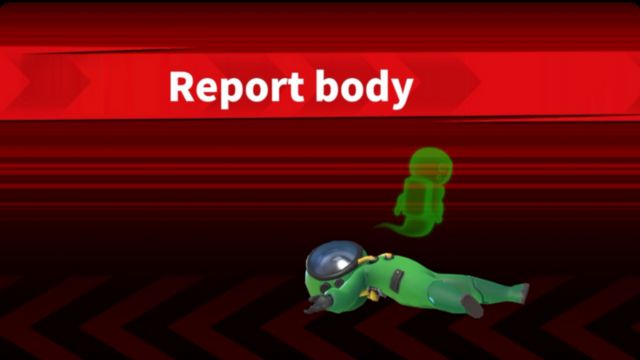
When a player discovers a body, they can report it to alert others. Reporting a body triggers a discussion period where all players analyze actions and vote on who they believe the Impostor is. These discussions are essential for tracking suspicious behavior and coordinating strategy with other Crewmates.
Playing Super Sus in a Browser
To play Super Sus in a browser, a cloud gaming platform is used. This platform runs the game on a remote server and streams the video feed to your web browser. Modern browsers such as Chrome or Firefox are recommended for stable performance. To start:
- Open Your Browser. Use a modern browser, as these platforms require strong performance (Chrome is usually recommended.
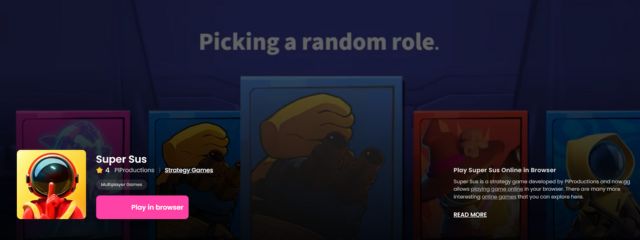
- Visit the official website of a cloud service (e.g., now.gg) that hosts Super Sus.
- Search for the game and click the “Play in Browser” button.
- Log in with your account (Google, Apple, or PIProductions) to sync your game progress. This is required for continuing your game history.
Practical Considerations for Browser Play
Choosing to play via a browser gives you great convenience, but there are a few practical trade-offs that experienced players need to know about:
- Latency is the Main Issue: Since your keyboard commands (like WASD for movement) must travel to the remote server and the resulting video has to stream back to you, you will experience a slight delay (latency). Don’t try to play on a struggling Wi-Fi network; the latency makes timed tasks much harder.
- Controls are Mapped: The browser version takes the standard mobile touch controls and maps them to your computer. You use WASD or arrow keys for movement, and the left mouse button for interaction and task completion.
- Progress is Automatic: There is no need to worry about manually saving. As soon as you log in, your account is live, and your roles, currency, and game history are saved automatically.
If the browser access is restricted in your area, the simplest solution that keeps you off local storage is to use a VPN connected to a server in a supported region (like the US or UK) before starting the stream. This allows you to immediately access the game without installing any new software.